
Run artwork approval in SignBas3
Use the SignBas3 job workflow to send one exact proof version, collect customer comments or approval and keep the production decision attached to the job.
Step by step
- Using an Owner, Admin, Manager or other account with Job Write permission, prepare the proof and confirm the job reference.
- Open the job's Artwork tab, sync the current PDF from the Drive PROOF folder if needed, then create, copy or send the client link for that exact version.
- Send the link to the authorised customer contact.
- Monitor the approval state and respond to requested changes.
- Move the job forward only after the latest proof is approved.
Good practice
Name proof versions clearly so approval always refers to one exact file.
Setup dependency
Settings that change this workflow
The same task can behave differently between organisations. Check these settings before treating a different result as an error.
/settings/storageDetermines where supported job artwork and proof files are stored.
Open in SignBas3 →/settings/general/email-identityControls the organisation identity and reply details on supported customer messages.
Open in SignBas3 →Screen reference
What you will see
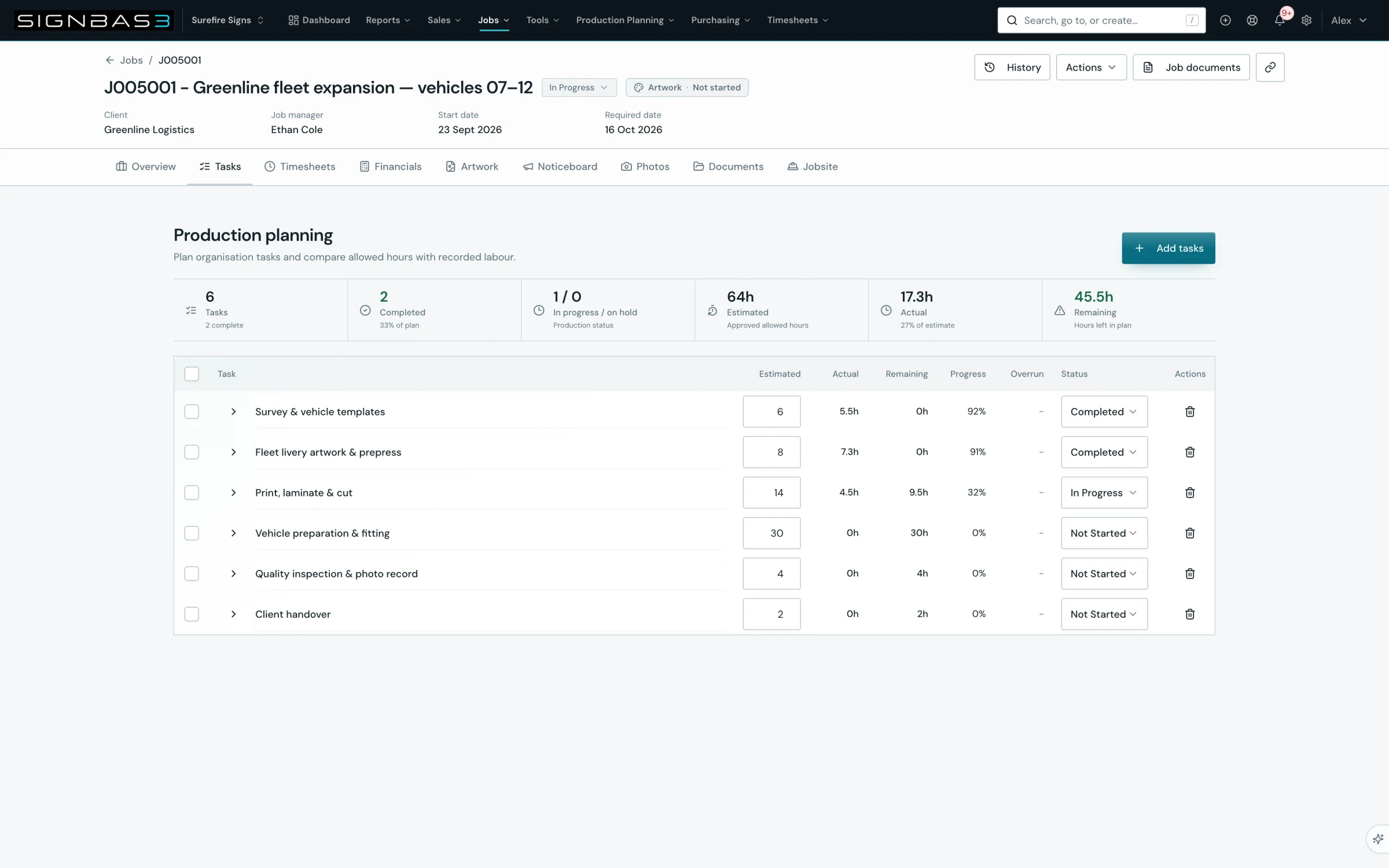
What this SignBas3 workflow records
Each review stays connected to the sign job, the proof version and the authorised customer contact. Comments, requested changes and the final decision remain visible in sequence so production does not have to infer approval from an email reply or a detached attachment.
Before releasing artwork to production
- Confirm the job and commercial scope match the proof being reviewed.
- Check the customer contact is authorised to approve the work.
- Make sure the review link opens the current version.
- Resolve requested changes and send the revised proof as a new version.
- Confirm the latest version shows an approved decision before production starts.
If your workspace behaves differently, record the relevant job, client or record number and raise a support ticket so the team can investigate the exact context.