
Connect HP PrintOS
Connect the HP Jobs API for HP Latex print history, substrate usage and job costing; pair a compatible supplies feed or the Windows connector when live printer status and consumables are required.
Step by step
- Open Settings > HP Print OS and confirm the HP account, printer and plan are eligible for the Jobs API.
- In HP PrintOS, create a Custom Connector with Print Beat data access. In SignBas3 add each printer’s exact serial and product number, enter the connector key and secret, then select Connect / rotate credentials.
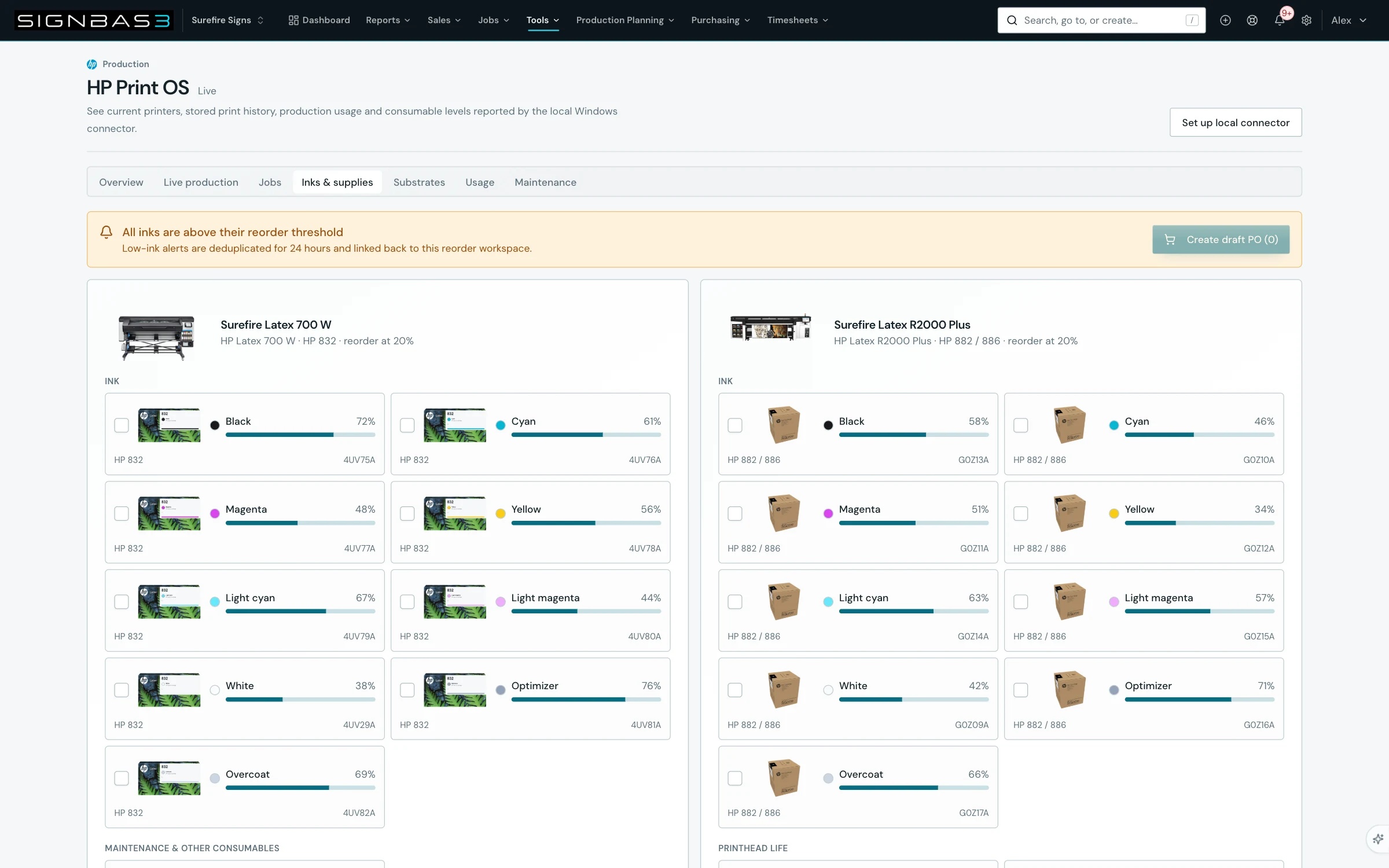
- Open HP Print OS and confirm the page shows Live. In Overview, verify each printer name and location, and only rely on current status or ink levels when the active connector reports those capabilities.
- In Substrates, enter Cost / m² for each observed substrate and select Save substrate. In Settings, also enter the ink cost per millilitre for each printer.
- Run one controlled print whose filename begins with the exact SignBas3 job number; in Jobs confirm it is matched and costed, then confirm the actual print cost appears in that job’s Financials.
Good practice
A successful connection is only the first check. Reconcile one print, substrate quantity and ink cost against the HP record before relying on automatic job costing.
Setup dependency
Settings that change this workflow
The same task can behave differently between organisations. Check these settings before treating a different result as an error.
/settings/hp-print-osControls the authorised connection and device context used by supported production evidence workflows.
Open in SignBas3 →/product-catalogueSupplies product and cost context used when production actuals or replenishment reach jobs and purchasing.
Open in SignBas3 →Screen reference
What you will see
If your workspace behaves differently, record the relevant job, client or record number and raise a support ticket so the team can investigate the exact context.