Setup domain
Organisation and financial defaults
Identity, regional rules, numbering, payment terms, tax and ledger choices shape every customer and supplier document.
Changes howQuotesJobsPurchase ordersInvoicesReports

SignBas3 Academy · Curriculum preview
Start with the learning path that matches your work. Each track uses the canonical SignBas3 guides, so setup instructions and day-to-day answers stay in one maintained source.
Choose your path
Work through a track in order, or open the guide you need now. Written guidance remains the source of truth. Videos and walkthroughs can supplement these steps without replacing them.
Set the business foundations, access, workflow controls and connected services your team relies on.
21 guided lessons →Move from a live opportunity through structured pricing, revision and an accepted production handover.
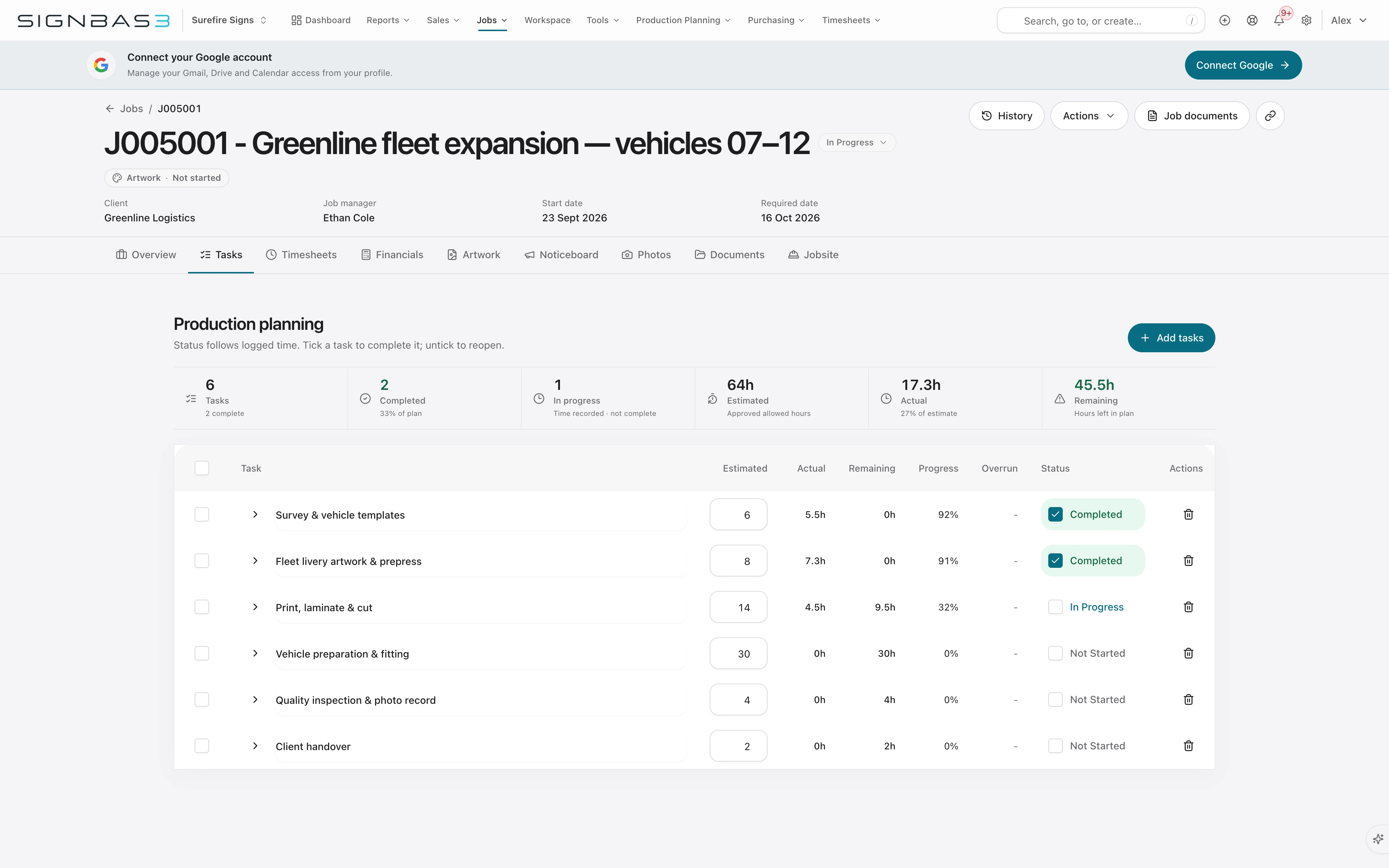
9 guided lessons →Turn approved work into owned tasks, controlled artwork, a practical schedule and visible delivery progress.
12 guided lessons →Connect purchasing, labour, invoicing and job performance to the financial handoff and final result.
14 guided lessons →Open assigned work, use current job context, receive permitted items and return useful time or completion evidence.
8 guided lessons →Admin foundations
Work through the six setup domains before asking the wider team to learn a process. Each domain explains what the decision changes downstream.
Setup domain
Identity, regional rules, numbering, payment terms, tax and ledger choices shape every customer and supplier document.
Setup domain
Invitations, app roles, staff links and module permissions decide what each person can see and change.
Setup domain
Statuses, task templates, departments, custom fields, product data and jobsite requirements determine how jobs move.
Setup domain
The selected storage provider, folder root, templates and jobsite document rules control where files live and what gets generated.
Setup domain
Email identity, filing rules, HP PrintOS and Fitch controls decide which external signals enter the workflow and where review is required.
Setup domain
Subscription controls, data imports, exports and activity logs support a stable, reviewable business system.
End-to-end learning
These journeys connect the point solution guides into a complete operating result—from configuration and first enquiry through accounting and job closeout.
Business journey
Set the organisation identity, defaults, access, work structure and connected services that shape every later workflow.
Business journey
Keep the customer, structured scope, revisions and acceptance intact as sales hands work to production.
Business journey
Use the job workspace to coordinate tasks, artwork, capacity, documents, photos, site safety and field evidence.
Business journey
Raise approved purchase orders, receive what arrived, capture supplier bills and keep the cost on the right job.
Business journey
Create the draft from approved scope, review variations and labour presentation, issue it, then follow payment and accounting state.
Business journey
Reconcile accepted value, labour, purchasing, supplier bills, invoicing and completion evidence before reading performance.
Learning track
Set the business foundations, access, workflow controls and connected services your team relies on.
Getting started · 3 min guide
Getting started · 3 min guide
Getting started · 6 min guide
Business settings · 8 min guide
Getting started · 3 min guide
Getting started · 8 min guide
Business settings · 10 min guide
Business settings · 15 min guide
Business settings · 6 min guide
Business settings · 8 min guide
Business settings · 7 min guide
Integrations & automation · 8 min guide
Integrations & automation · 10 min guide
Integrations & automation · 8 min guide
Integrations & automation · 8 min guide
Reporting & Fitch · 4 min guide
Admin & integrations · 3 min guide
Admin & integrations · 8 min guide
Data & governance · 10 min guide
Data & governance · 5 min guide
Data & governance · 5 min guide
Learning track
Move from a live opportunity through structured pricing, revision and an accepted production handover.
Reporting & Fitch · 4 min guide
Sales & quoting · 3 min guide
Sales & quoting · 3 min guide
Sales & quoting · 10 min guide
Sales & quoting · 3 min guide
Sales & quoting · 8 min guide
Sales & quoting · 8 min guide
Jobs & production · 10 min guide
Sales & quoting · 3 min guide
Learning track
Turn approved work into owned tasks, controlled artwork, a practical schedule and visible delivery progress.
Reporting & Fitch · 4 min guide
Jobs & production · 6 min guide
Jobs & production · 8 min guide
Jobs & production · 10 min guide
Jobs & production · 8 min guide
Jobs & production · 3 min guide
Jobs & production · 3 min guide
Jobs & production · 6 min guide
Jobs & production · 5 min guide
Jobs & production · 8 min guide
Jobs & production · 12 min guide
Jobs & production · 4 min guide
Learning track
Connect purchasing, labour, invoicing and job performance to the financial handoff and final result.
Getting started · 4 min guide
Jobs & production · 6 min guide
Purchasing & financials · 3 min guide
Purchasing & financials · 3 min guide
Purchasing & financials · 6 min guide
Purchasing & financials · 7 min guide
Purchasing & financials · 8 min guide
Purchasing & financials · 6 min guide
Purchasing & financials · 6 min guide
Integrations & automation · 8 min guide
Purchasing & financials · 3 min guide
Purchasing & financials · 8 min guide
Purchasing & financials · 9 min guide
WorkflowMax migration · 3 min guide
Learning track
Open assigned work, use current job context, receive permitted items and return useful time or completion evidence.
Mobile & field work · 3 min guide
Mobile & field work · 3 min guide
Purchasing & financials · 3 min guide
Jobs & production · 3 min guide
Jobs & production · 5 min guide
Jobs & production · 8 min guide
Jobs & production · 12 min guide
Jobs & production · 6 min guide